Reliable Home Wi-Fi & Mesh Network Setup Services in Singapore
Moving into a new place or tired of dropping signals? We design and install practical, high-speed home IT networks for HDB flats, condos, and landed homes without the confusing tech jargon. Get seamless coverage across every room from Day 1.
Common Home Wi-Fi Problems We Fix
The Bedroom Dead Zone: The Wi-Fi is great in the living room but completely unusable in your master bedroom or study.
Interrupted Entertainment: Movie nights constantly buffer, and crucial work video calls freeze right when it matters most.
Smart Home Overload: You’ve added smart plugs, IP cameras, and smart speakers, and now your everyday devices keep dropping off the network.
Zero Privacy: Guests, helpers, or kids end up with your main Wi-Fi password because a secure, separate guest network was never configured.
If any of that sounds like your home, this guide sets out exactly what a home network needs to fix it — matched to your home type, so you only pay for what you need.
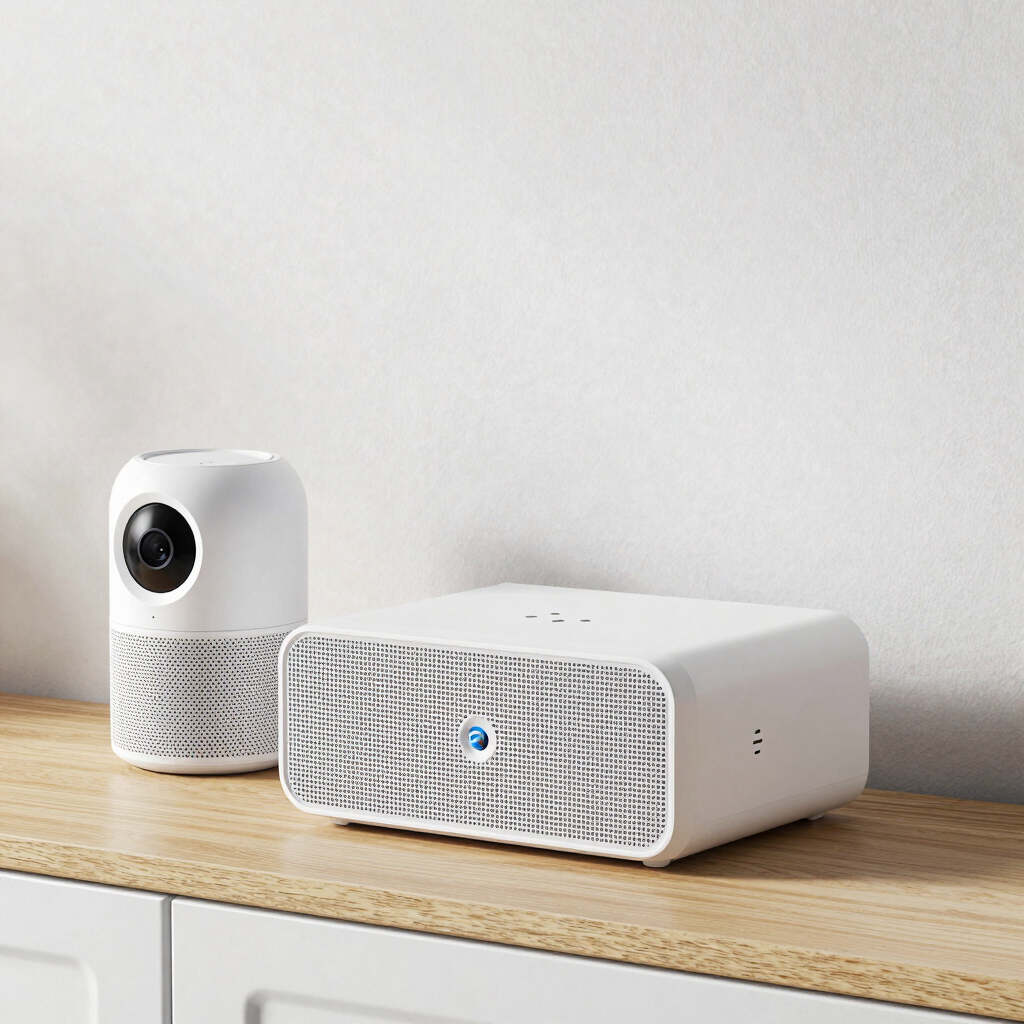
Router or mesh Wi-Fi
What's actually involved
A main unit (or small mesh set) sized to your home's layout, not a single box straining to reach every room.


How it works
Best for: Landed properties, highly connected smart households
Wired backhaul (where useful)
A separate Wi-Fi for visitors and helpers, so your main network and devices stay private.
Smart home network
A discreet Ethernet run between mesh points in condos and landed homes, for a steadier signal than Wi-Fi-only mesh.
Guest network
A proper password, up-to-date firmware, and sensible defaults — set up once, not left on factory settings.
Basic Wi-Fi security
Smart plugs, cameras and speakers placed on their own network, away from your laptops and personal devices.
Three ways to get started


Everything in Multi-Room Mesh, plus:
Separate network for smart devices
Cameras, plugs & speakers set up securely
Guest network fine-tuned for visitors
Priority support if something needs tweaking
Best for: Landed properties, highly connected smart households
Best for: HDB flats, studios, or small condos
One upgraded router or mesh unit.
Coverage across a typical flat.
Guest network set up.
Basic security check Walkthrough of your new
Wi-Fi
Everything in Single Router, plus:
2–3 mesh points for full coverage
Wired backhaul where practical
Stronger signal on upper floors / yard
Devices tested room by room
Typical: half-day visit
Typical: 1 day visit
Scoped after a short visit
1. Home visit:
We walk through your home (or review your floor plan) to see where the signal struggles and how you use each room.
2. Straightforward quote:
A clear, itemised quote matched to one of the three tiers above — no hidden add-ons.
3. Setup:
Router mesh points and cabling installed neatly, with minimal disruption to your household.
4. Walkthrough & confidence check:
We test the signal in every room with you and make sure you're comfortable using it before we consider the job done.
Not sure which fits your home? Most flats and condos start at Single Router or Multi-Room Mesh — we'll confirm the right fit during a short, free visit.
Why homeowners work with us
No long-term contracts — a one-off setup, done properly.
Transparent, itemised quotes matched to the tiers above.
Visits scheduled around your household, not the other way round.
Setups built to grow — add a mesh point or smart-device network later without starting over.
One point of contact throughout, from the home visit to the final walkthrough
A note on scope
Ready for Wi-Fi that reaches every room?
Book a free home visit and we'll tell you which tier fits — and roughly what it will cost — before you commit to anything.
what most homes need for reliable Wi-Fi and a secure smart-home network. It's intentionally sized for residential use — larger commercial buildings or enterprise-grade security needs are a different scope, and we're happy to advise separately if that's what you're after.
Contact Us


Reach out for a free home visit and tailored Wi-Fi setup advice.
SERVICES
Expert handyman & renovation services for homes, offices, and factories.
Contact
📞 Handyman Services: +65 8336 6682
✉️ Email: hello@handyman.sg | aaron@handyman.sg
About US: www.handyman.sg is proudly and exclusively owned and operated by Arctic Breeze Engineering. We maintain no affiliation with third-party listing platforms or independent 'Mr. Handyman' entities
www.handyman.sg
Owned and operated by:
Arctic Breeze Engineering
71 Woodlands Ave 10, #05-16 Woodlands Industrial Xchange, Singapore 737743
**Sister Company**
Reno Guys Pte Ltd
71 Woodlands Ave 10, #07-10 Woodlands Industrial Xchange, Singapore 737743
BUSINESS / FACTORY OFFICE ADDRESS
Contact
📞 Reno Guys / Office: +65 6993 8888
✉️ Email: aaron@renoguys.com.sg
🌐 Website: www.renoguys.com.sg